




Layer 1 · Player SDK
Your vehicle data, on your own website.
CarHub's player: displays vehicle data on your own website, dropped player and tuned per page with query parameters.
standalone view · dedicated player · 15 options across 5 groups
the whole integration
<carhub-player
  src="https://app.example.com/{vehicle_url}/player"
  apiKey="pk_live_…"
  initialTab="exterior"
  enhanced=true
  ></carhub-player>
{vehicle_url} identifies the vehicle · enhanced show the AI backgrounded-images
What it shows
One player, 5 views of the same vehicle.
Every view reads from the same inspection, so switching between them costs nothing and shows the same damages.
360° exterior
Spin from an indexed frame set, drag and auto-rotate, mobile-first, hotspot-aware
Interior panorama
Cockpit view with navigable points of view
Source video
Playback with timeline markers pinned to detected damages
Photo gallery
Ordered by shot position, before/after slider for raw vs rendered
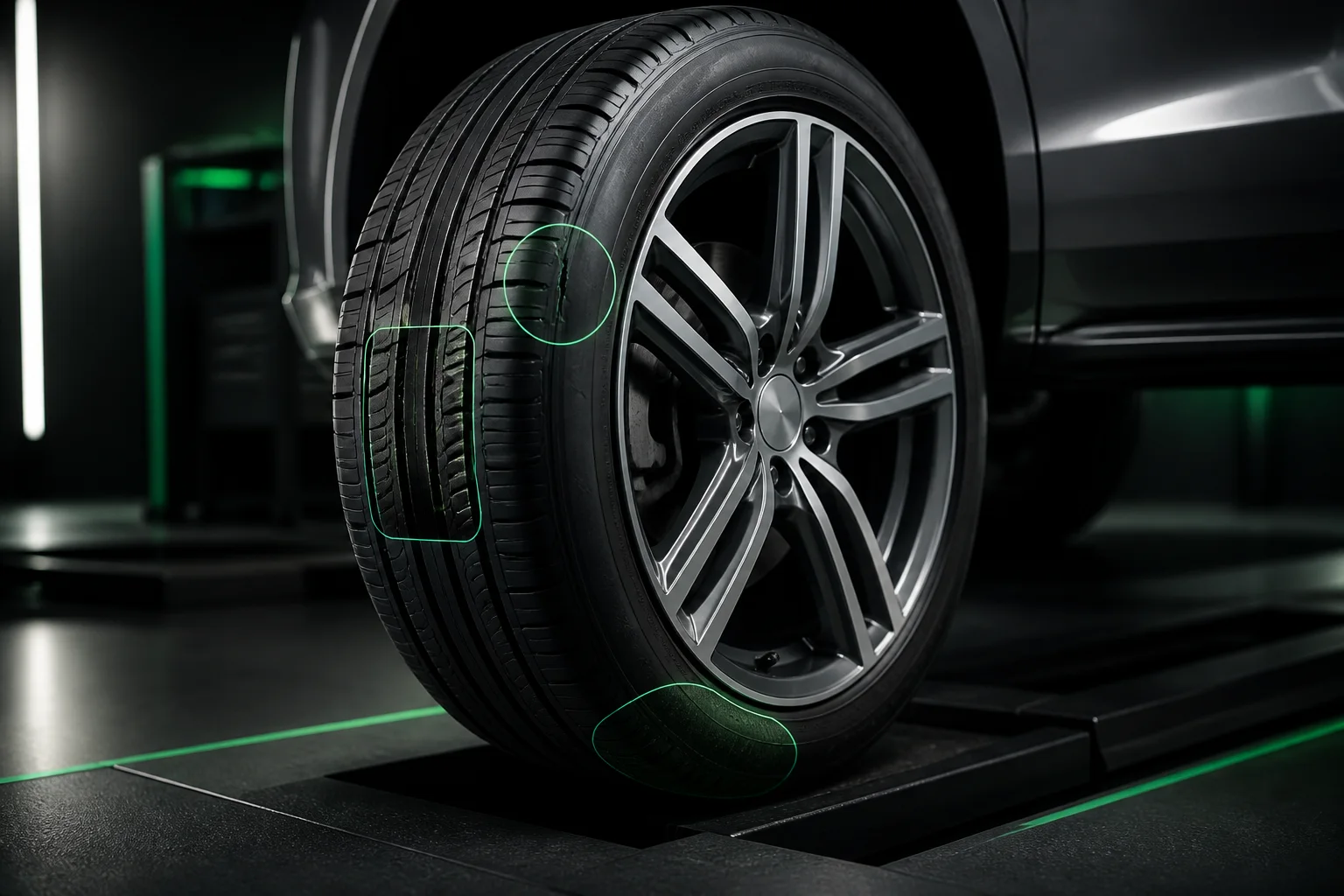
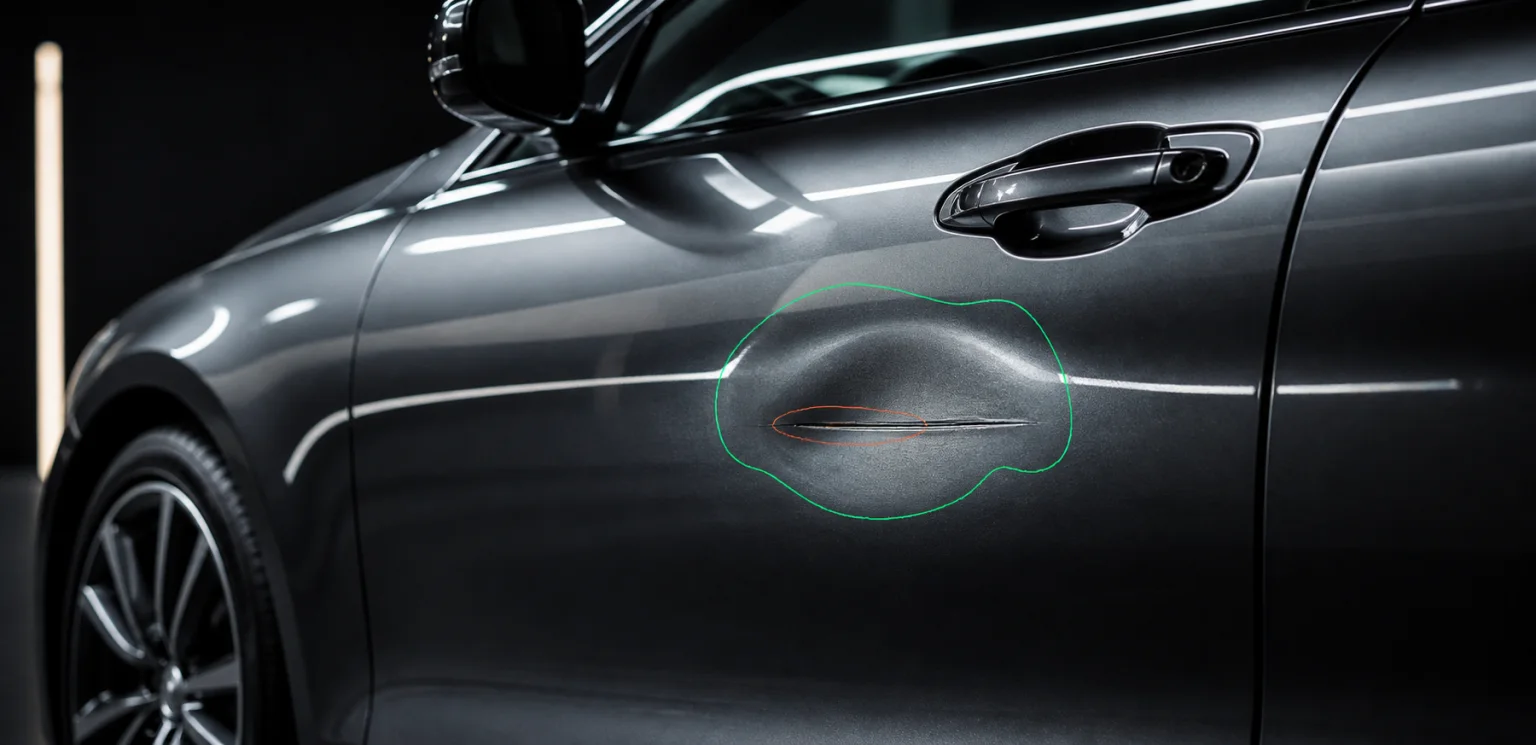
Hotspot overlay
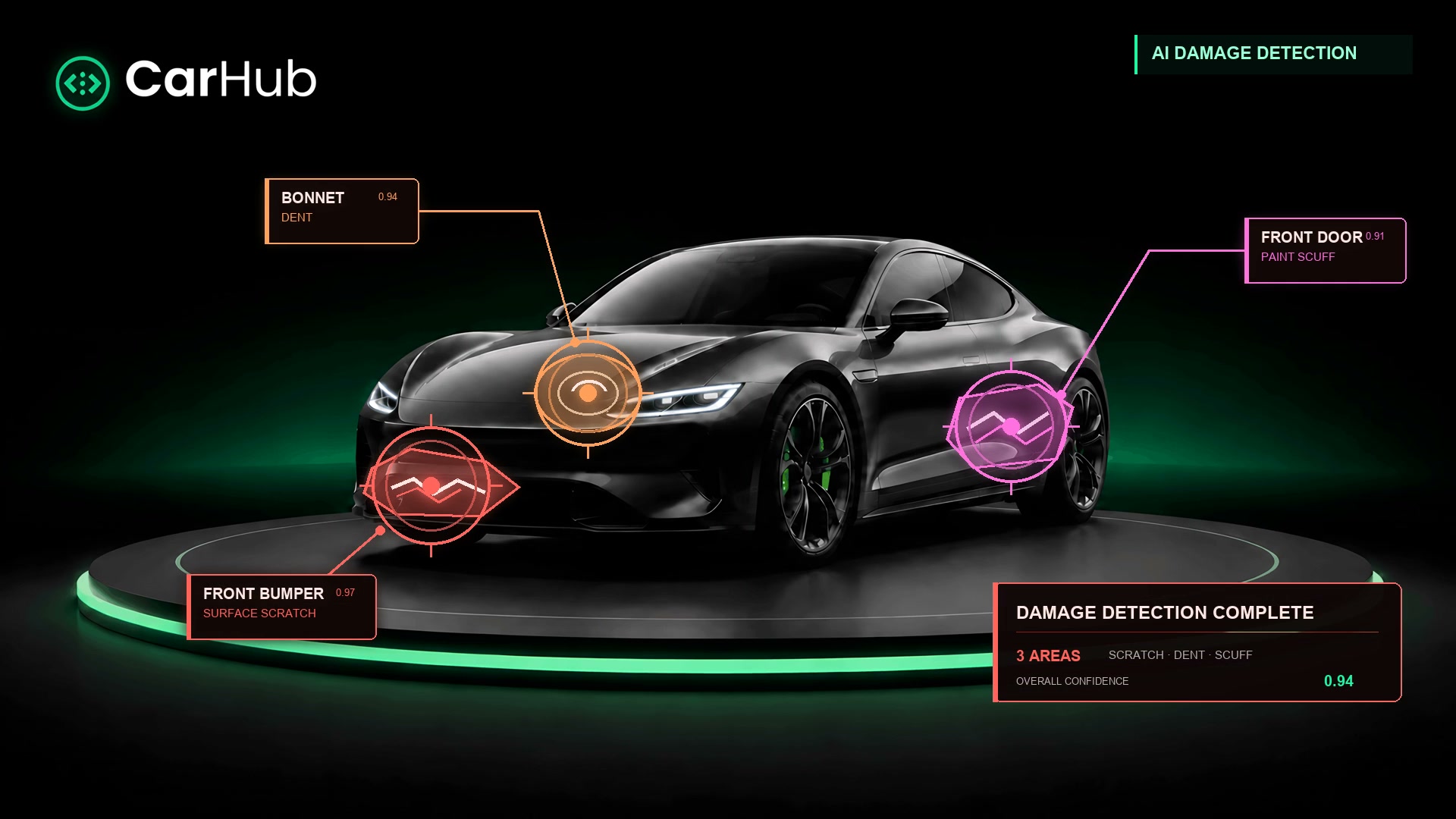
Consumes render/hotspots; tap a damage, get severity and repair cost
How it is configured
Query beats prop. Prop beats default.
Settings resolve in a fixed order of precedence, which is what lets one embed be tuned per page. Append a query parameter and that page's player behaves differently — no second integration, no redeploy.
- 01
URL query parameter
Wins outright — how the same embed is tuned per page
- 02
Passed prop
The value you configure at integration time
- 03
Built-in default
What you get when neither is set
same embed, tuned for a claims page
https://app.example.com/{vehicle_url}/player?initialTab=exterior&enhanced=trueopens on exterior images · show enhanced images
The reference
15 options, 5 groups.
Each one works as a query parameter or as a prop. The names below are exactly what you append to the URL.
Content tabs
4 optionsWhich views the player opens on, and which it offers at all.
initialTabSets the initial tab
selectorShows or hides the tab switcher
excludeTabComma-separated list of tabs to hide
interiorControls the exterior/interior toggle
Damage display
2 optionsHow detections surface on top of the imagery.
hotspotOverlays damage markers on exterior and interior images
damagesShows the damages carousel
Image quality
2 optionsEnhanced renders or the originals the camera produced.
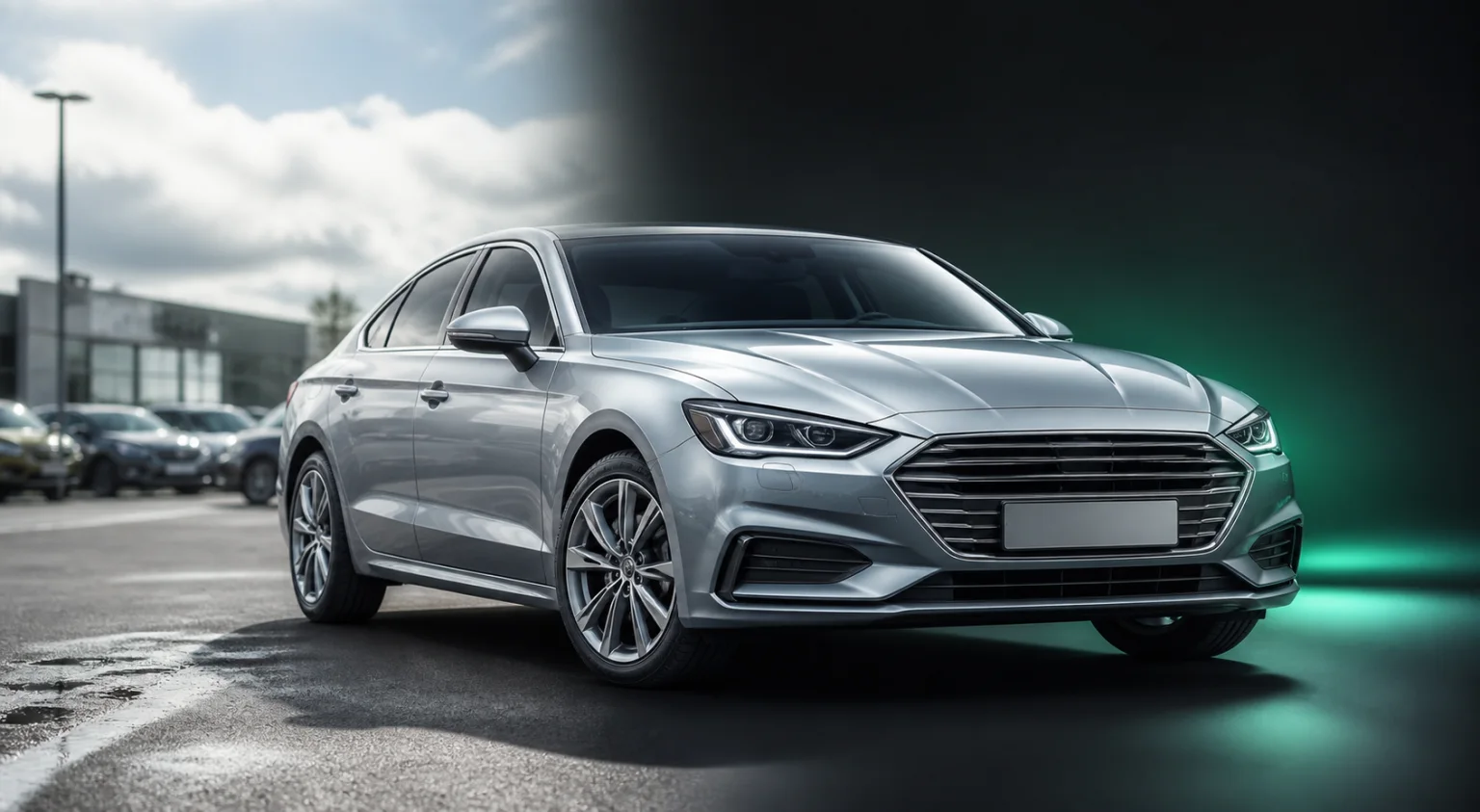
enhancedStarts with enhanced images where available
enhancedToggleLets the viewer switch back to the originals
Interaction
6 optionsWhat the viewer is allowed to do with the vehicle.
zoomableZoom into the current image
fullscreenableFullscreen control — pair it with allowfullscreen on the iframe
autoplay360Auto-starts the rotation
photomodeOne image at a time instead of the spin
carouselCarousel navigation across the shot set
sharableShows the share icon
Branding
1 optionMaking the player read as your product.
colorHex value, with or without the #, recolouring every player icon
The rest of Layer 1
What produces what the player shows.
One player, one vehicle.
Point it at a vehicle and the whole pipeline's output is on your page — before you write a line of viewer code.