




Dealerships & dealer groups
Appraise, prepare and publish inventory from one capture.
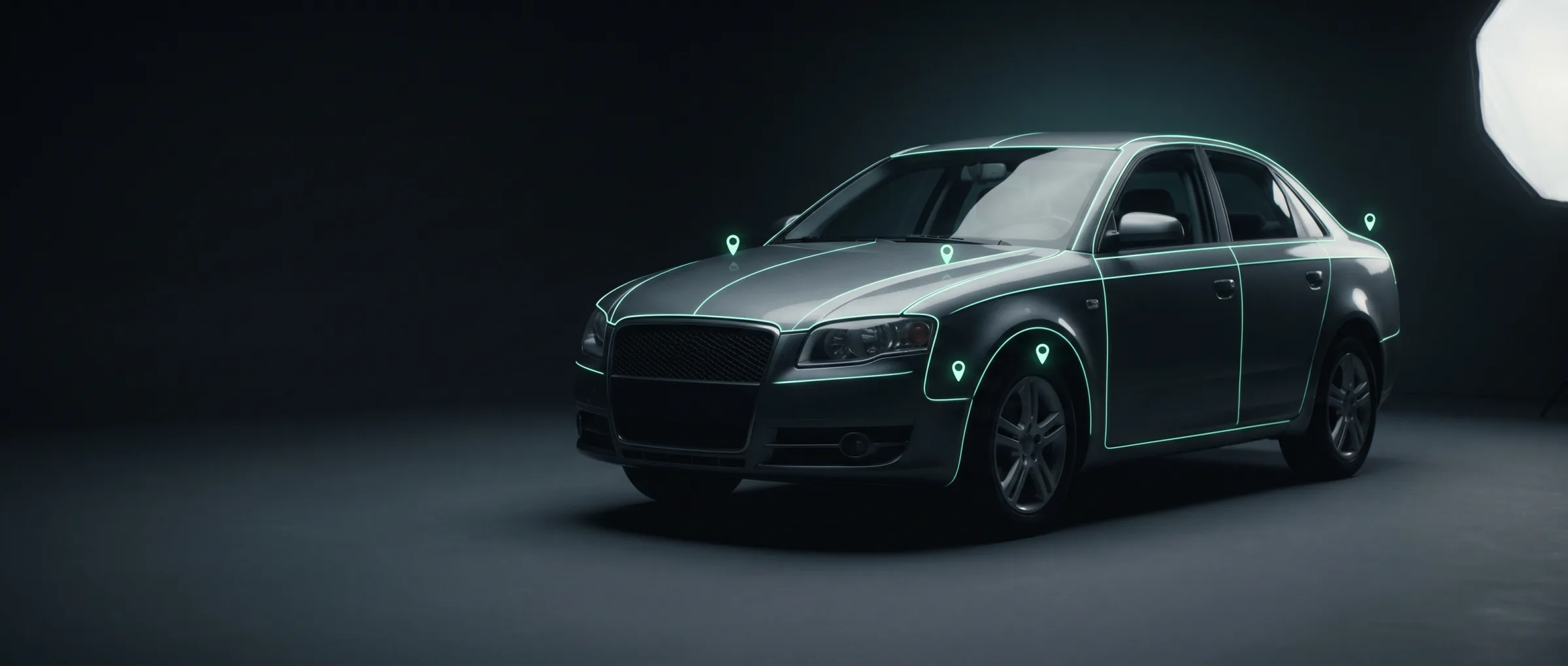
Read the vehicle, inspect visible condition and produce consistent listing imagery while the car is still moving through intake.
Franchised and independent dealers, dealer groups and used-vehicle operations
Today
Fresh inventory waits for photography, appraisal and data entry before it can appear online — and every rooftop presents it differently.
What changes
- A consistent visual standard across every rooftop and every photographer.
- Condition evidence attached to the intake record before preparation begins.
- Listing-ready imagery without a dedicated physical studio lane.
Where it starts
One endpoint, before you commit to anything.
Standardised imagery is immediately visible to merchandising teams and buyers. It can be tested on existing stock before changing the appraisal workflow.
the first call
per image
POST/v1/render/background
model: image-backgrounding
async by default · webhook or poll · independently rate-limited
The chain
The flow that first call sits in.
Each row is a real endpoint, priced and rate-limited on its own. Call one, call the set, or let /v1/inspections chain them for you.
- 01POST/v1/vehicle/analyse
car-analyser · per vehicle
Resolve identity and core attributes from the intake photo set
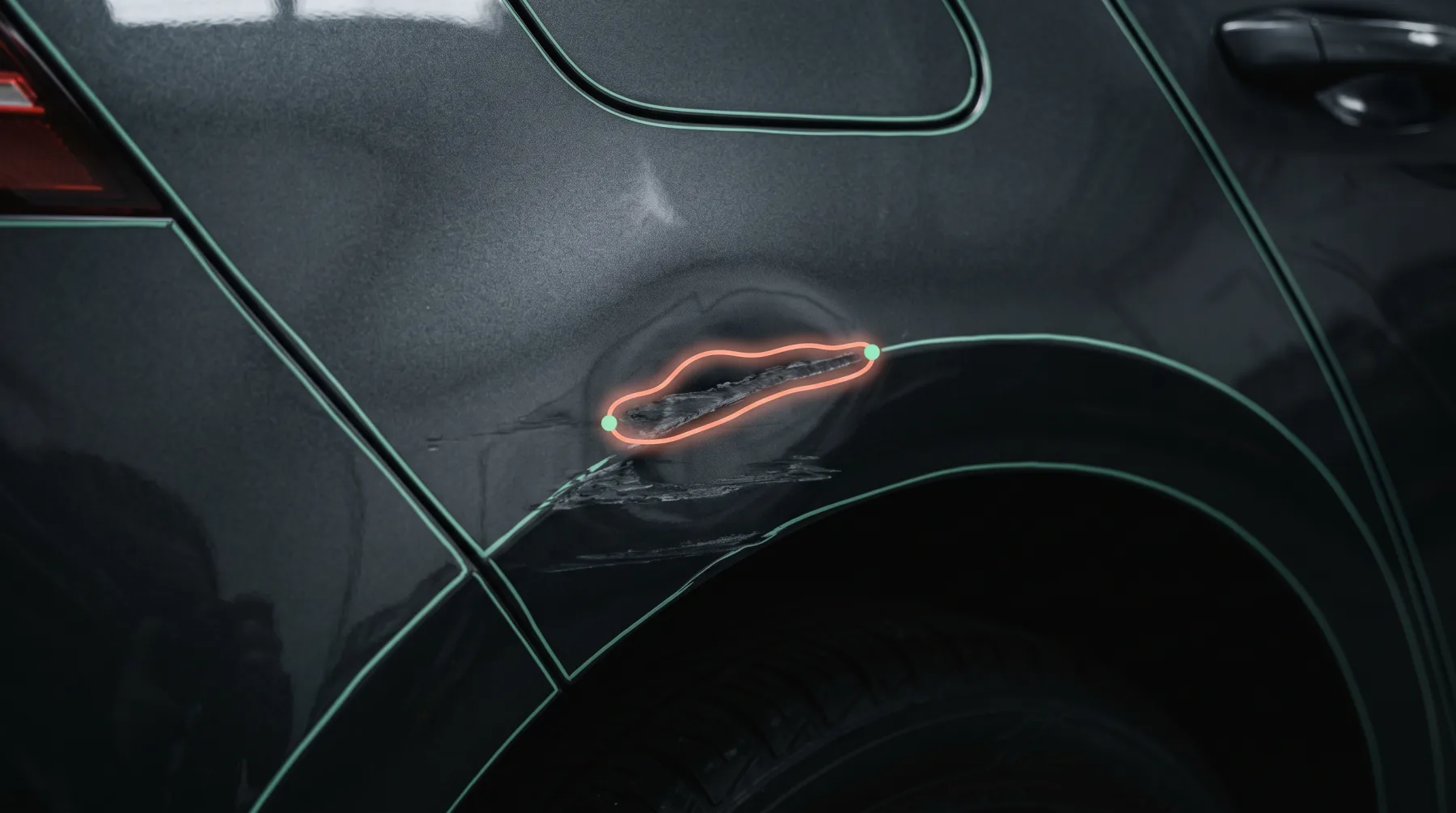
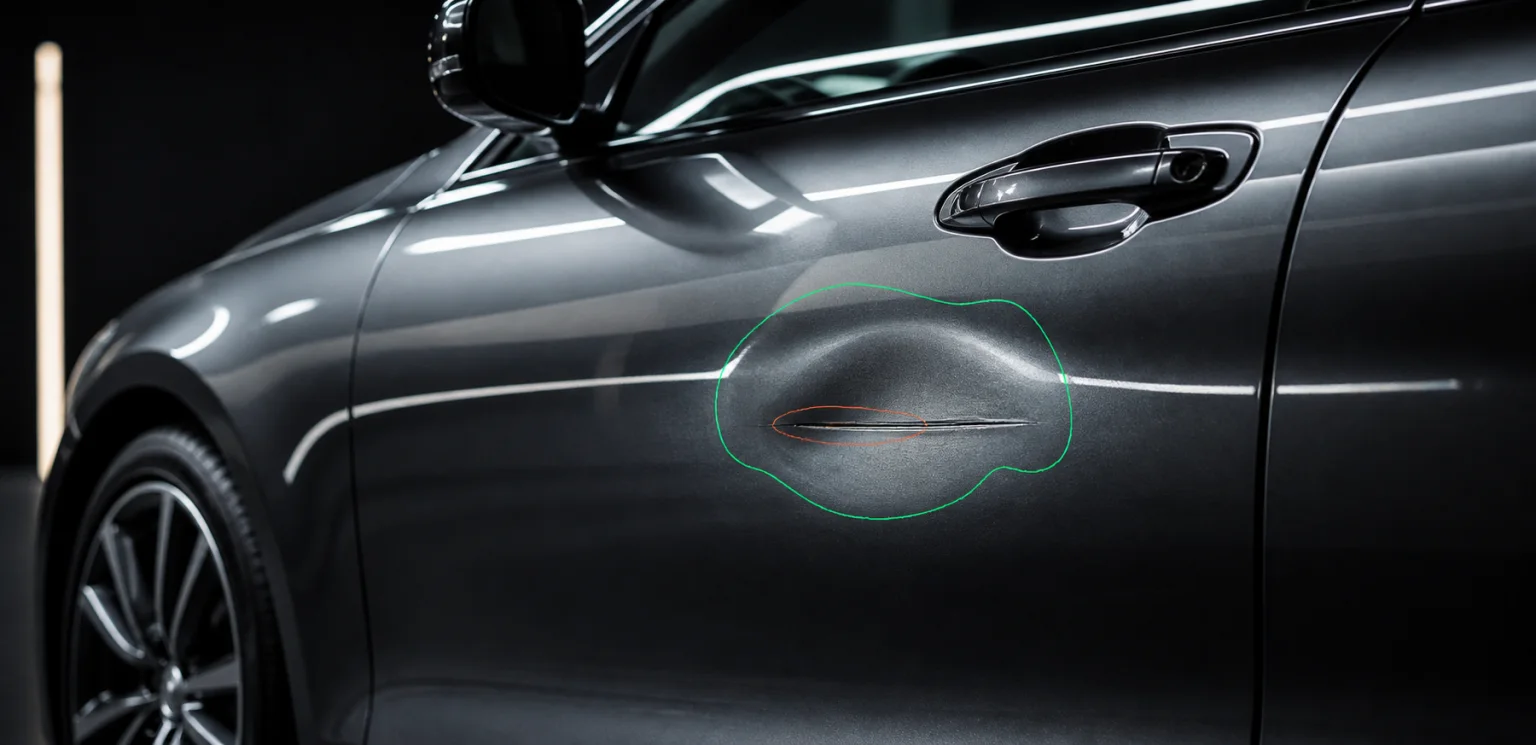
- 02POST/v1/damage/detect
damage-detection · per image
Flag visible exterior issues before appraisal and preparation are signed off
- 03POST/v1/pricing/vehicle
car-pricing · per vehicle
Put market value beside observed identity and condition
- 04POST/v1/render/enhance
quality-improver · per image
Recover exposure and sharpness across mixed rooftop photography
- 05POST/v1/render/background
image-backgrounding · per image
Apply one studio or dealership environment across exterior and interior inventory shots
- 06POST/v1/render/plate
plate-replacer · per image
Neutralise registration details or apply a dealer plate consistently
Across the stack
What this path draws on, layer by layer.
Layer 1 · Components
all →- Capture SDK
- Camera flow that guides a non-expert through a complete shot set, start to finish
- Player SDK
- Embeddable 360° inspection viewer — drops into your own site against a tokenised report URL
- Report SDK
- Composed condition report, customer-branded, web or export
Layer 3 · Data
all →- Identity
- VIN decode, build sheet, factory options, plate → VIN lookup
- Specs
- Technical data, equipment, dimensions, powertrain
- History
- Mileage records, ownership, accidents, write-off status
- Value
- Market pricing, residuals, depreciation curves
Where it goes
Then the same capture supports the full stock journey
Once intake and imagery share one vehicle record, the same key can extend into appraisal, merchandising and customer-facing condition evidence.
Remote appraisal
Capture and condition results reach the buyer before the vehicle reaches the preparation bay
Complete listings
Identity and specs fill the fields that normally wait for manual entry
Interactive condition
Damage hotspots and reports give online buyers evidence beyond a photo carousel
Stock video
Generate consistent branded media from the imagery already produced at intake
What we do not claim
CarHub returns evidence, structured data and media assets. Your DMS remains the source of truth for stock status, pricing approval and publication.
Other paths
Same key, different first call.
Marketplaces & DMS
Classifieds, marketplaces, dealer groups and the DMS vendors behind them
Listing photos come from whoever was holding the phone. Six sellers, six driveways, six exposures — one inconsistent results page.
See the path →Insurance & claims platforms
Insurers, MGAs, claims platforms and the assessors working inside them
A policyholder sends eight photos. An assessor opens them one at a time to decide whether this is a bumper scuff or a total loss.
See the path →Rental & vehicle sharing
Rental desks, car-sharing operators and anyone handing over keys at volume
The customer says the scratch was already there. The agent says it wasn’t. Nobody photographed that panel at check-out.
See the path →Auctions & logistics
Auction houses, remarketers, transporters and the yards in between
A car changes hands four times between the yard and the buyer, and the only condition record is a paper sheet somebody filled in at dusk.
See the path →Start with /v1/render/background
One call, on your own data, before anything in your product changes.