




Marketplaces & DMS
Every listing shot in the same studio. Whoever actually took the photo.
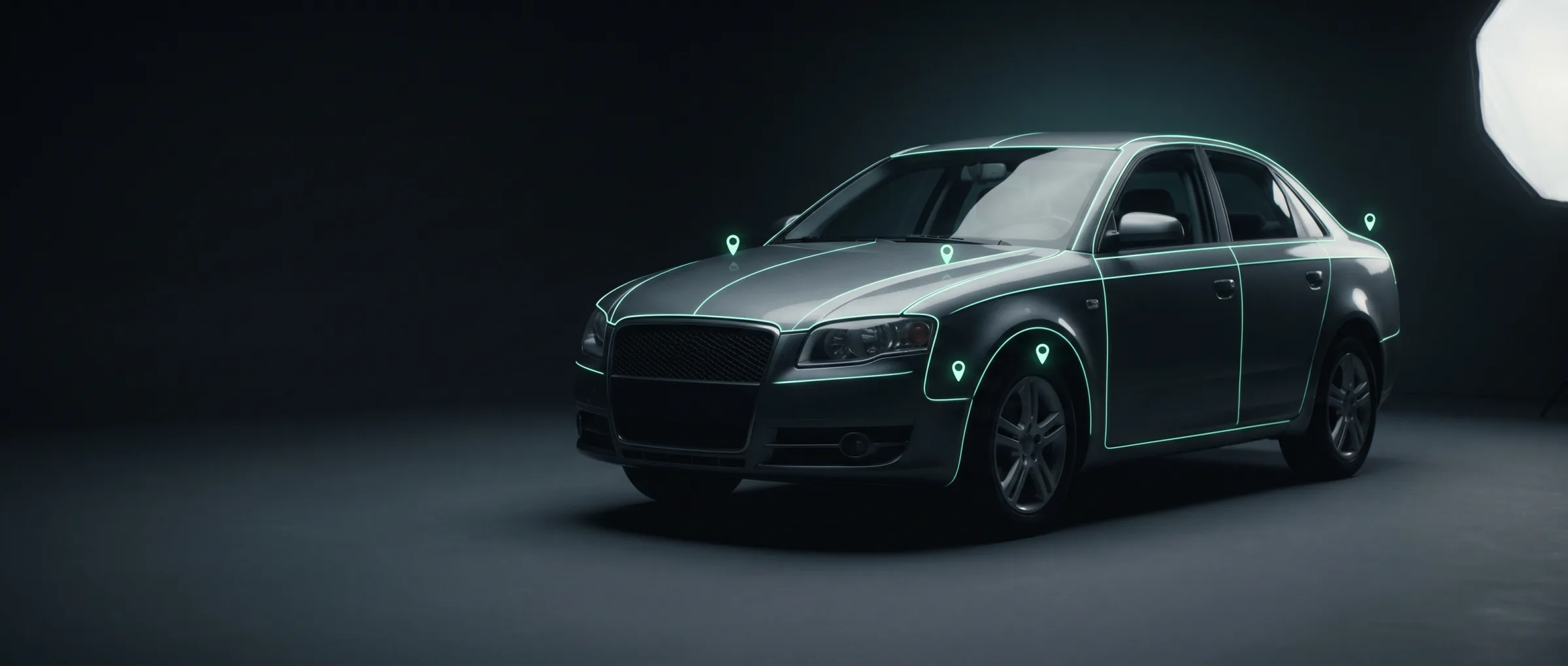
One call turns a phone photo into a studio render: vehicle isolated, background replaced, shadow generated, plate neutralised. Nothing else about your listing flow has to move.
Classifieds, marketplaces, dealer groups and the DMS vendors behind them
Today
Listing photos come from whoever was holding the phone. Six sellers, six driveways, six exposures — one inconsistent results page.
What changes
- One background across the whole results page, whatever the seller’s driveway looked like.
- Anonymised plates without a second retouching step or a human in the loop.
- Per-image billing — a four-photo listing costs four images, not a subscription tier.
Where it starts
One endpoint, before you commit to anything.
The shortest path to a visible change on your results page. One image in, a rendered URL out — no schema of yours changes, and you keep the originals.
the first call
per image
POST/v1/render/background
model: image-backgrounding
async by default · webhook or poll · independently rate-limited
The chain
The flow that first call sits in.
Each row is a real endpoint, priced and rate-limited on its own. Call one, call the set, or let /v1/inspections chain them for you.
- 01Presigned upload
Layer 1 component
The seller's photos land in storage directly, scoped to one inspection token
- 02POST/v1/vehicle/segment
car-segmentation · per image
The mask every render is built on — vehicle separated from the driveway behind it
- 03POST/v1/render/enhance
quality-improver · per image
Exposure and sharpness recovered on phone-shot and legacy inventory
- 04POST/v1/render/background
image-backgrounding · per image
Studio, showroom or your own backdrop, with shadow and lighting generated per shot position
- 05POST/v1/render/plate
plate-replacer · per image
Plate neutralised for privacy, or replaced with dealer branding, in the same pass
- 06Job status / webhook
Layer 1 component
Webhook when the set lands, so nothing in your uploader blocks on a render
Across the stack
What this path draws on, layer by layer.
Layer 1 · Components
all →- Player SDK
- Embeddable 360° inspection viewer — drops into your own site against a tokenised report URL
Layer 3 · Data
all →- Identity
- VIN decode, build sheet, factory options, plate → VIN lookup
- Specs
- Technical data, equipment, dimensions, powertrain
- Value
- Market pricing, residuals, depreciation curves
Where it goes
Then the same key finishes the listing
Rendering is the wedge because it is visible in a week. Everything below is already behind the same key and the same invoice — you adopt it when the listing quality argument is won.
Price guidance
car-pricing values the vehicle from identity plus observed condition, not from a dropdown the seller filled in
Disclosed condition
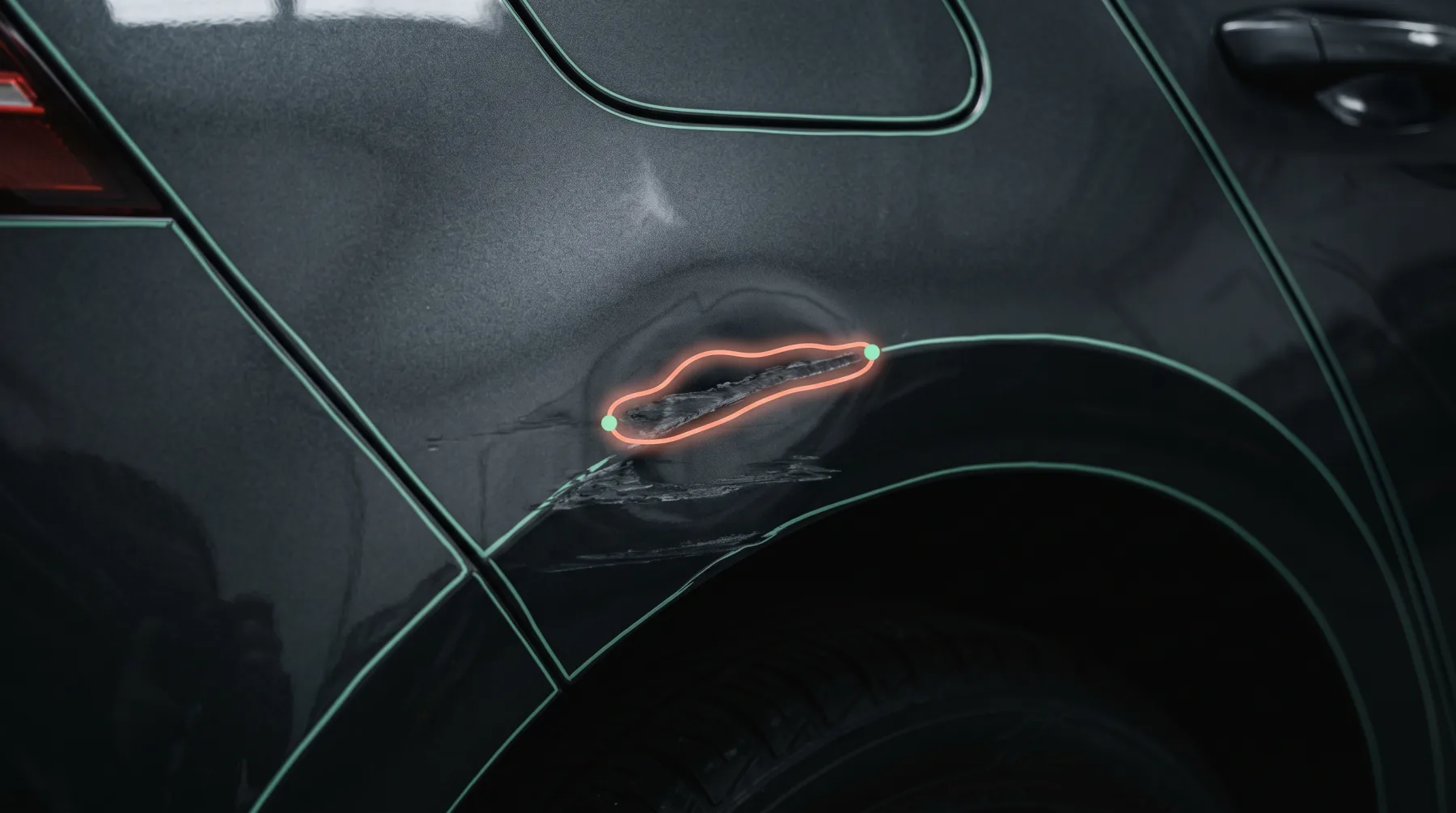
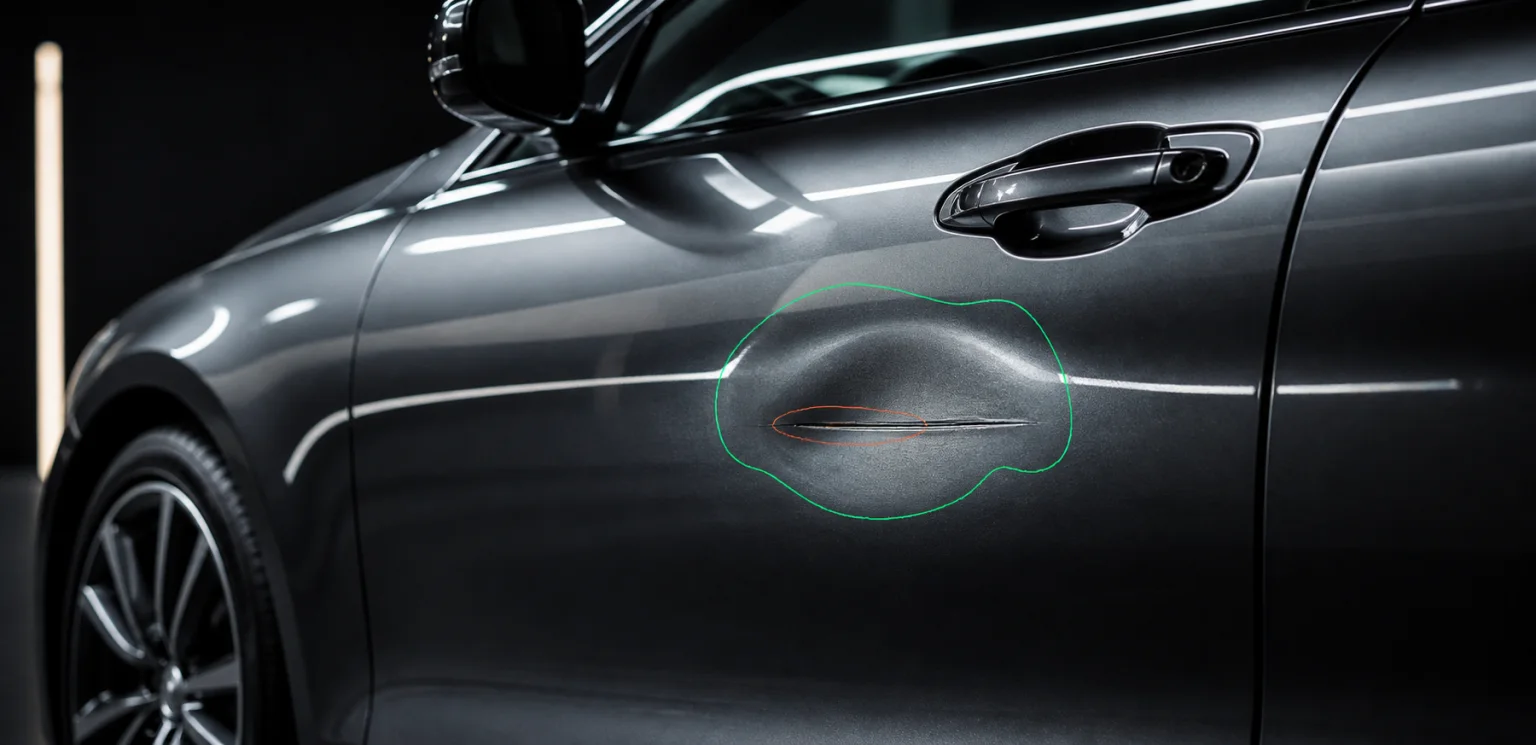
damage-detection and severity-estimation turn “as described” into something a buyer can actually inspect
Spec-complete listings
Layer 3 identity and specs fill the fields sellers leave empty — VIN decode, build sheet, factory options
A 360, not a carousel
video-onboarding indexes one walkaround into the Layer 1 spin viewer, hotspots included
What we do not claim
Image production is exposed as infrastructure, not as a batch retouching service. You call it per image, inside your own pipeline, and the original file is never replaced.
Other paths
Same key, different first call.
Dealerships & dealer groups
Franchised and independent dealers, dealer groups and used-vehicle operations
Fresh inventory waits for photography, appraisal and data entry before it can appear online — and every rooftop presents it differently.
See the path →Insurance & claims platforms
Insurers, MGAs, claims platforms and the assessors working inside them
A policyholder sends eight photos. An assessor opens them one at a time to decide whether this is a bumper scuff or a total loss.
See the path →Rental & vehicle sharing
Rental desks, car-sharing operators and anyone handing over keys at volume
The customer says the scratch was already there. The agent says it wasn’t. Nobody photographed that panel at check-out.
See the path →Auctions & logistics
Auction houses, remarketers, transporters and the yards in between
A car changes hands four times between the yard and the buyer, and the only condition record is a paper sheet somebody filled in at dusk.
See the path →Start with /v1/render/background
One call, on your own data, before anything in your product changes.